Screenshots
Download PDF
Screenshots – a gallery of screenshots taken when a graphical user interface is detected in the analyzed files. Green highlights indicate areas where changes were detected between two consecutive screenshots. Disabling the Highlight Changes option hides such screenshots. Screenshots displaying a mouse cursor indicate left-click actions during the simulation of user activity on a specific interface element that triggered a change on the screen. A timestamp in the format <minutes>:<seconds>.<hundredths of a second> from the start of the analysis is displayed in the bottom right corner of each screenshot.

Fig. 20 – Screenshot Gallery
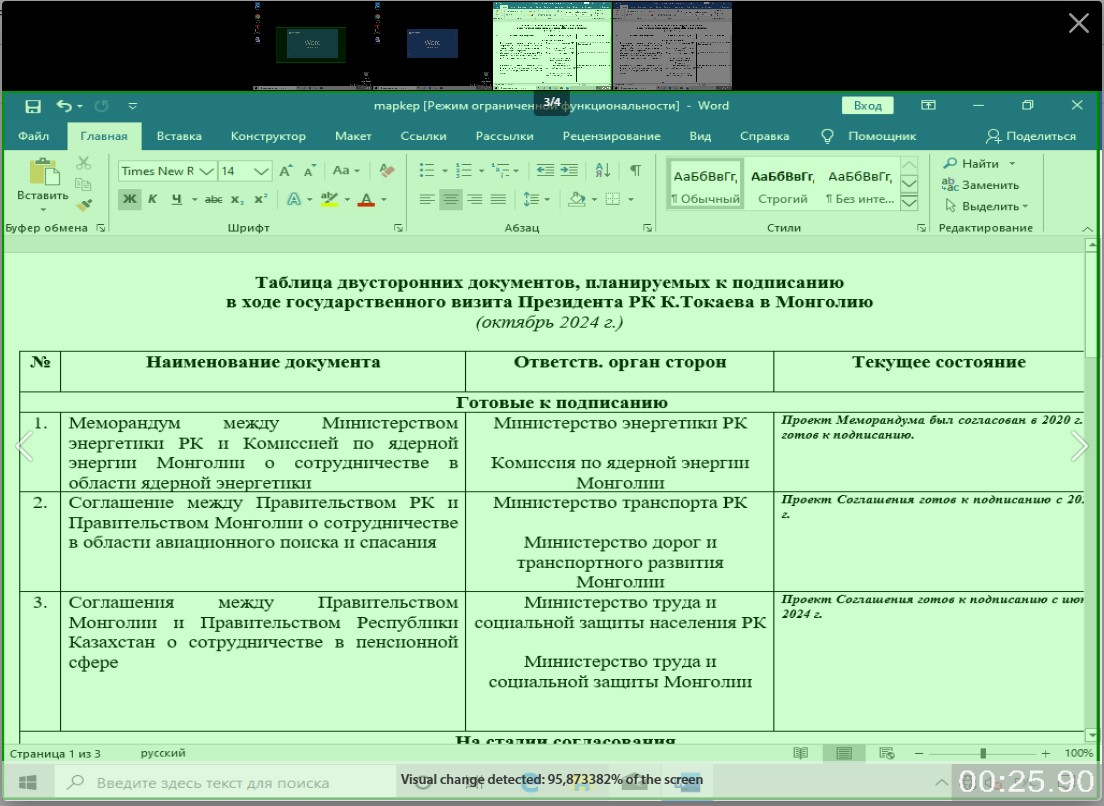
Fig. 21 – Screenshot