Container Management
Download PDF
The page displays a list of containers within the system. The containers listed in the table are available for analysis, and their status is displayed under Management - System Status.
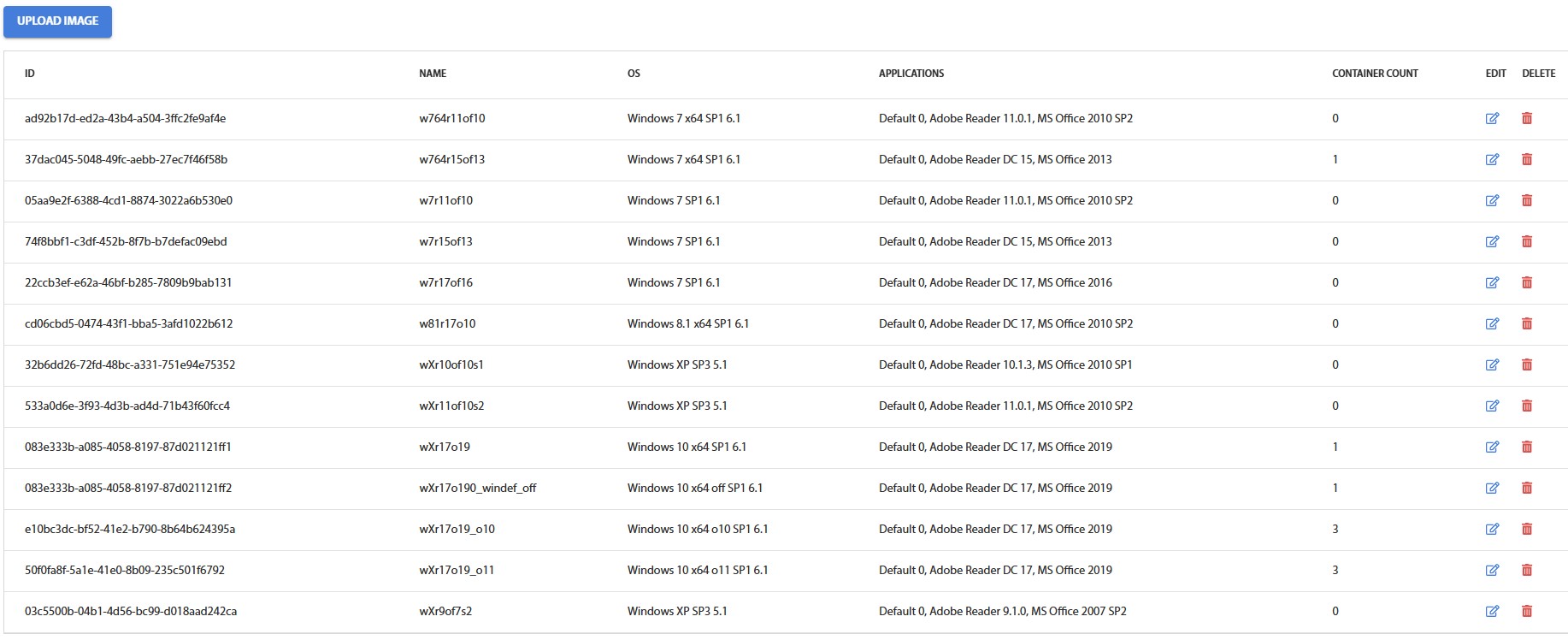
Fig. 4.7.1 - Containers table
To add a new container, you need to click the button UPLOAD IMAGE. Two types of import are available:
- Import via local path
- Import via URL